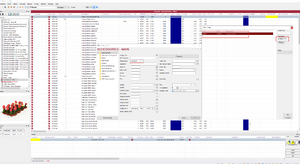
Does the supplier exist and if not create a new supplier
Does the characteristics for the product exist and if not create a new characteristic
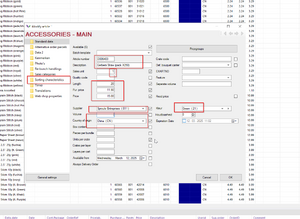
To create a new product we need to go to the orderlist where we want to reorder this product in the future. In our example we will add gerbera straws to the Accessories - Main order list. (Make sure you're authorized on the list that you need to see.)
Use (+) to add a new line to the orderlist.
If the line existed in the past, you can try searching batch template for a similar product and edit characteristics. Otherwise put the code of the product or a description in the article code box.
When prompted with Enter new code box, always put NO.
In the fast search field you can now see gerbera and you can pinpoint the code you want with more information. If you don't see a code you have just created, you can press refresh to go over the list.
Fill in all the information that you can, you can also verify the sorting tab to see if the size is applied correctly.